[Avg. reading time: 4 minutes]
Playground
Trying Rust Without Setup
If you want to quickly try Rust code, check syntax, or share a small example with others, use the Rust Playground.
What the Rust Playground is good for
• Experimenting with Rust syntax
• Testing small code snippets
• Sharing runnable examples via links
• Exploring unfamiliar APIs quickly
What you get
• Full access to the Rust standard library (std)
• Many of the top crates from crates.io, including their dependencies
• Multiple compiler channels: stable, beta, nightly
• Output, formatting, and compiler error messages in one place
What it is not
• Not a replacement for a local Rust setup
• Not suitable for large projects or serious performance testing
How to think about it
Use the playground like a scratchpad: • Learn • Experiment • Share • Move on to local setup later
Demo
Let’s try with a simple example.
fn main(){println!(Welcome to Rust!);}
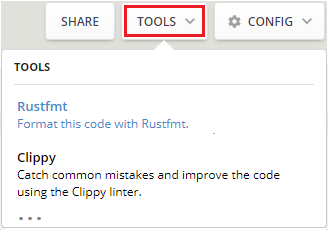
The tool adjusts the code to follow official Rust styles:

Select Tools > Clippy to check for mistakes in the code. The results are displayed under the editor:
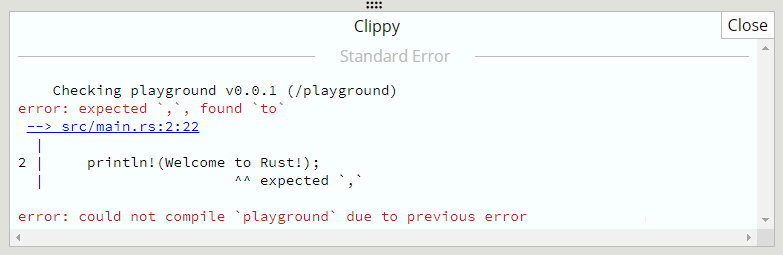
To fix the sample code, add quote marks around the text “Welcome to Rust!”:
