[Avg. reading time: 6 minutes]
Setup Worksace
Open Workspace in Visual Studio Code and Close Connections
- Click here
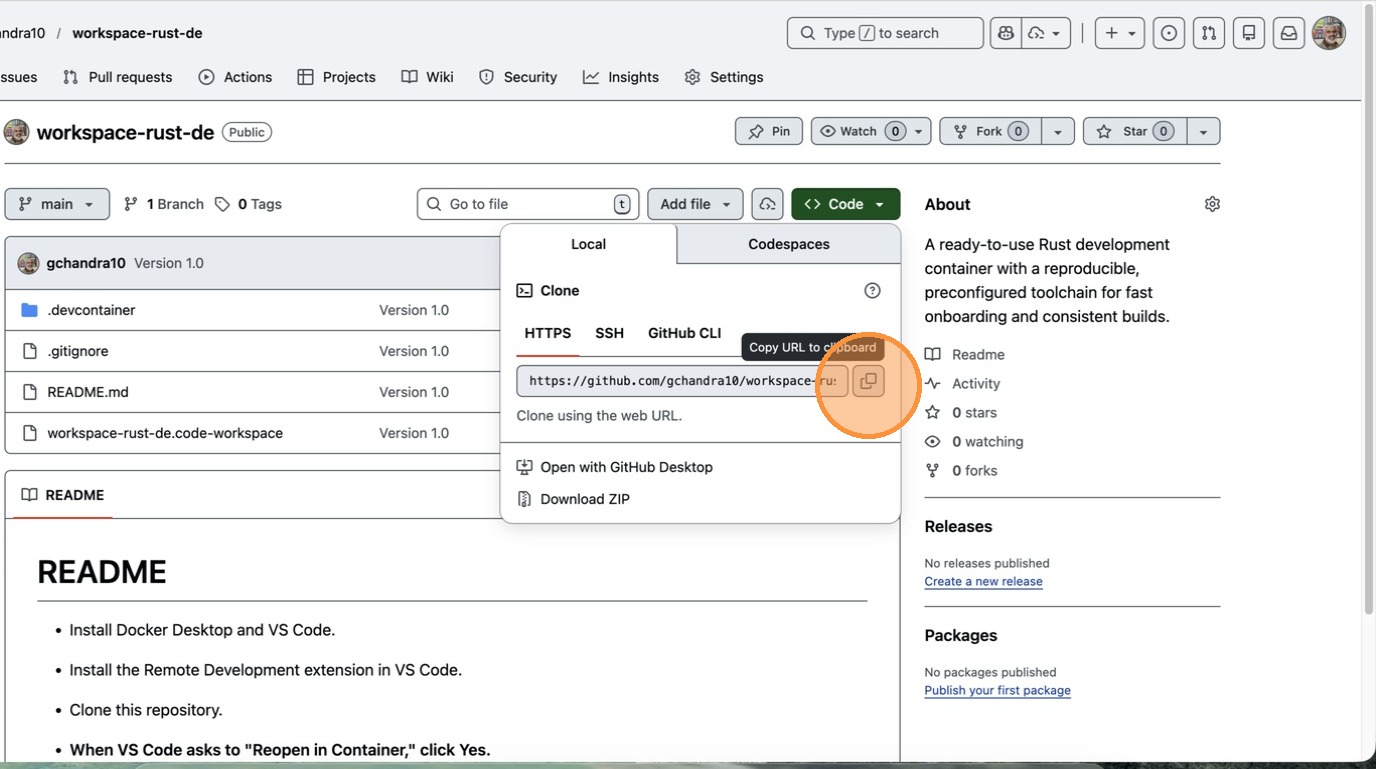
- Click “Copy URL to clipboard”
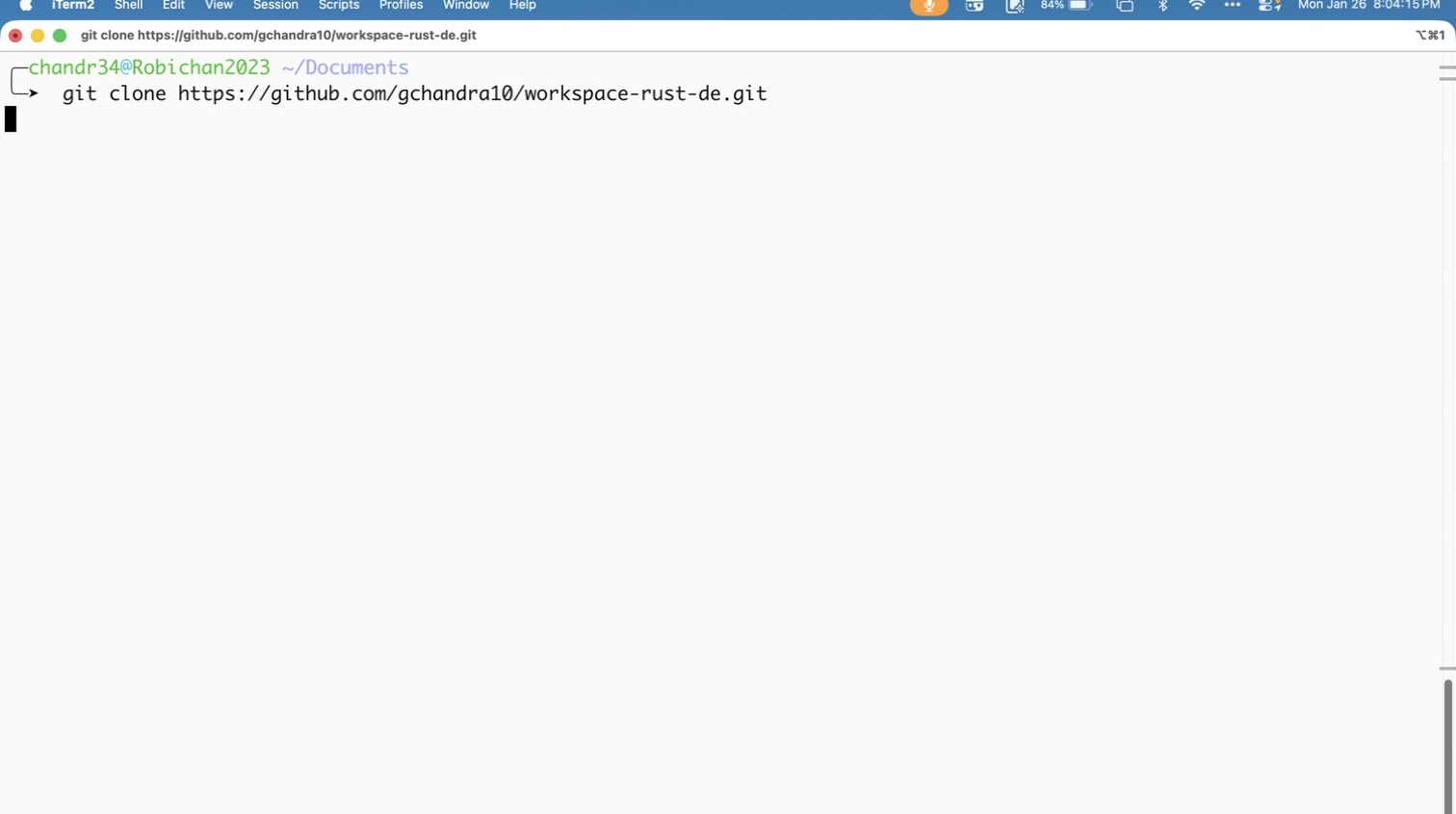
- Click “File”
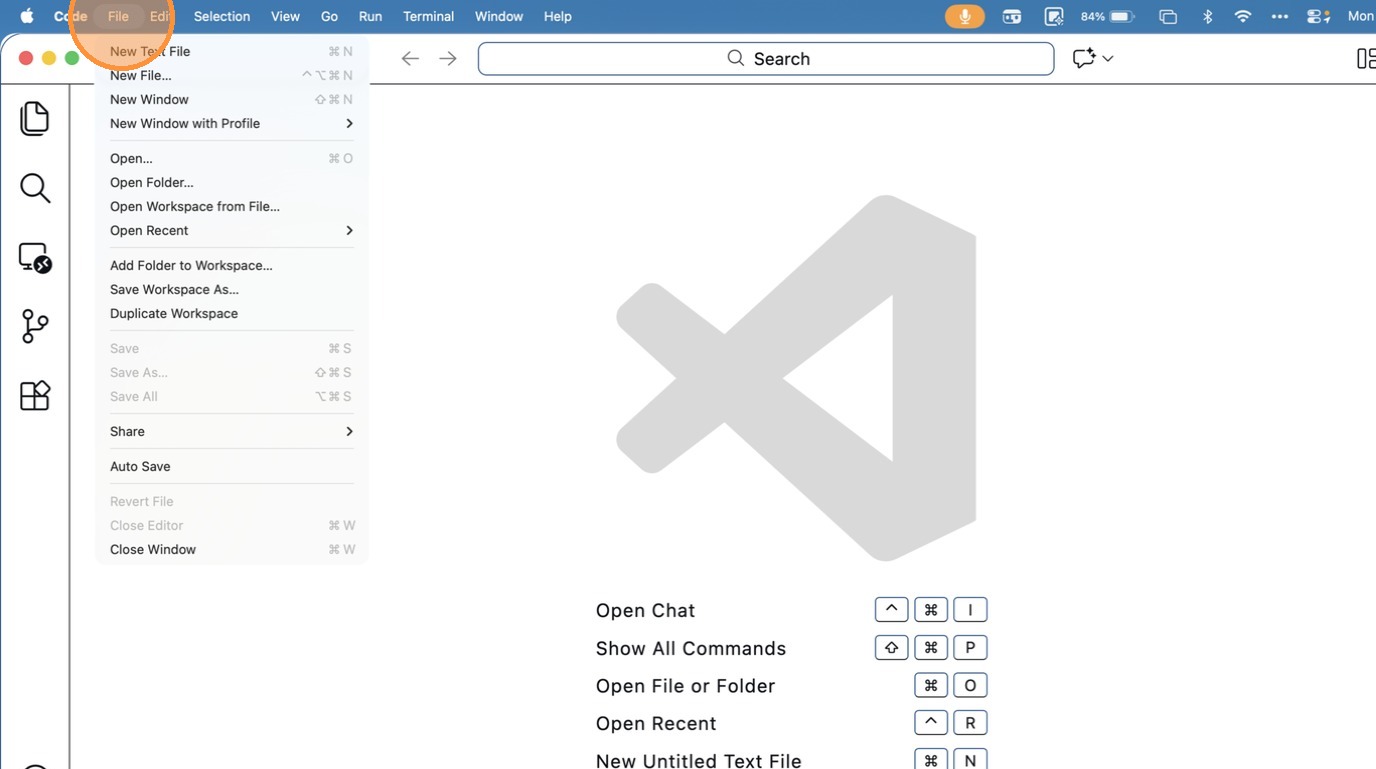
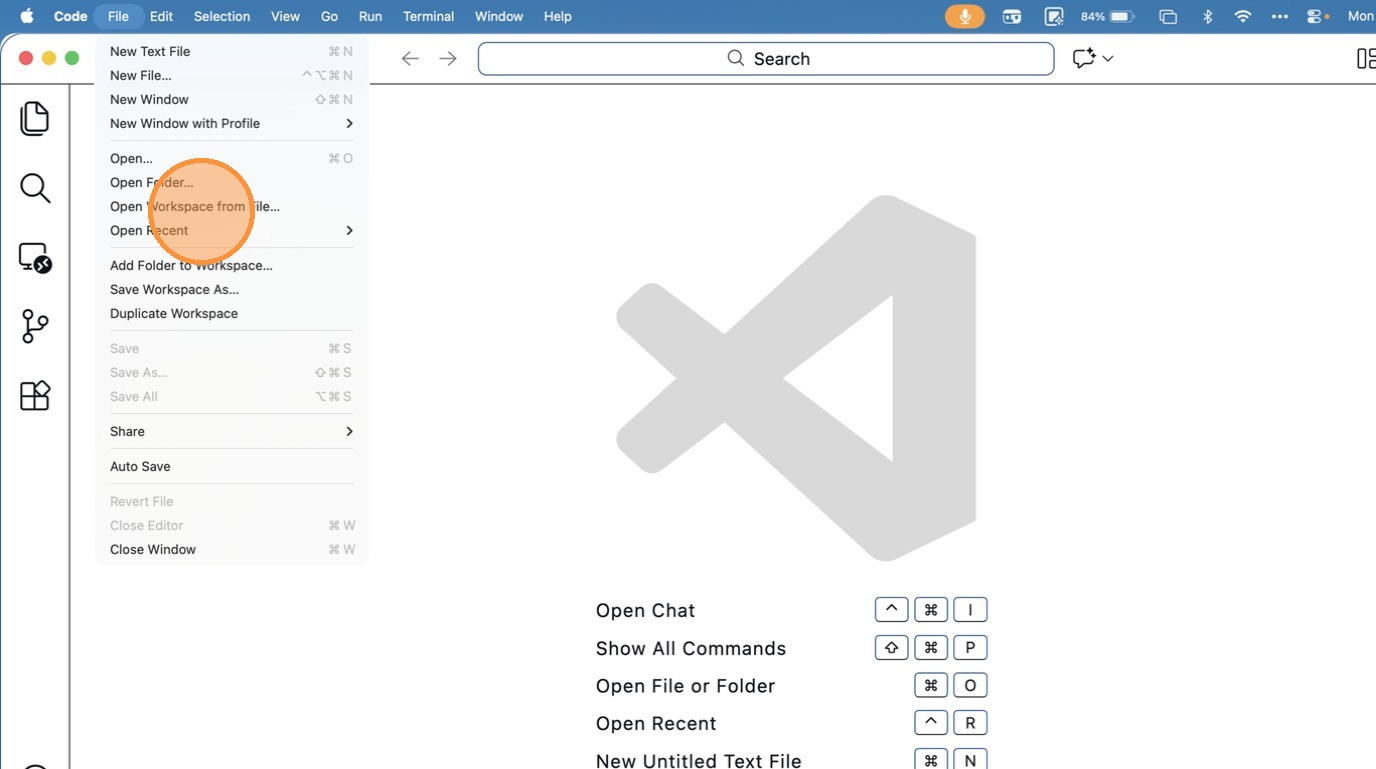
- Click “Open Workspace from File…”
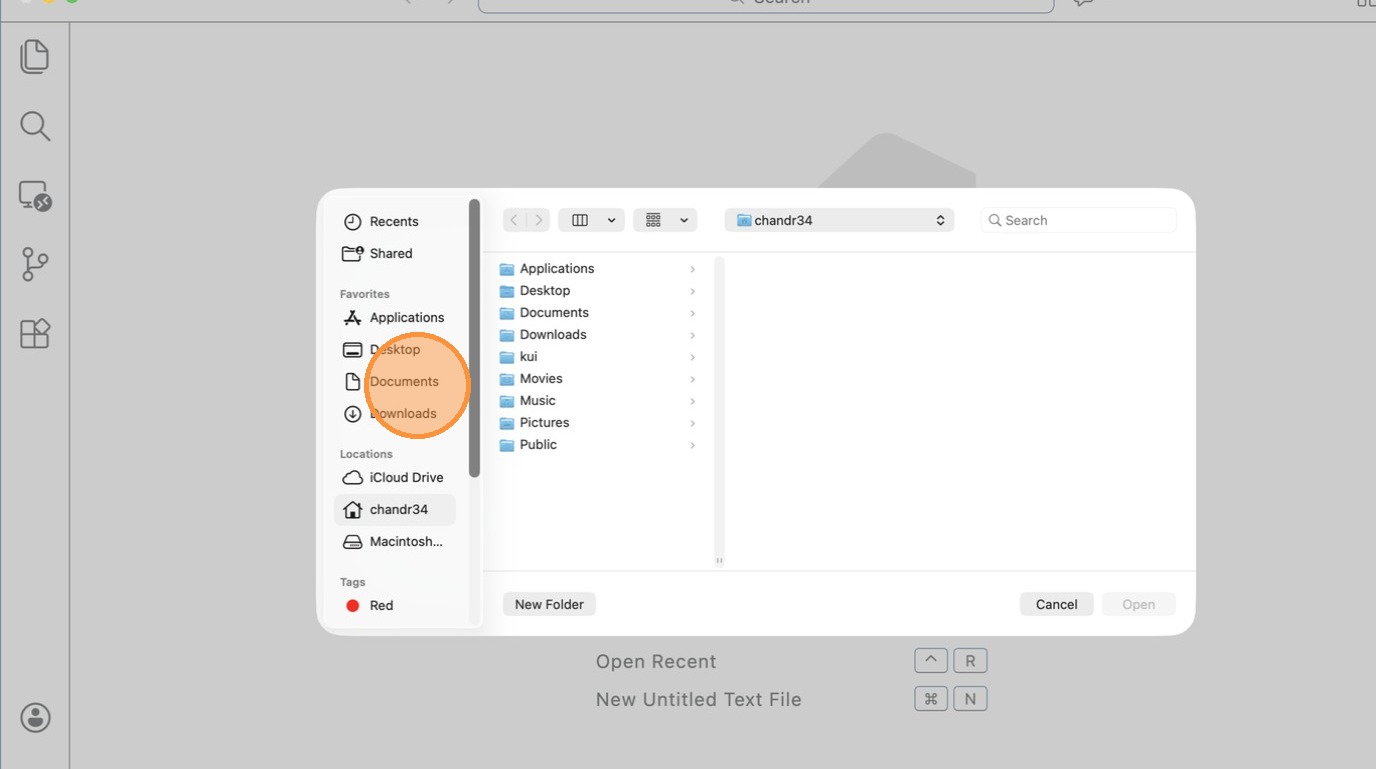
- Click “Documents”
- Click “text field”
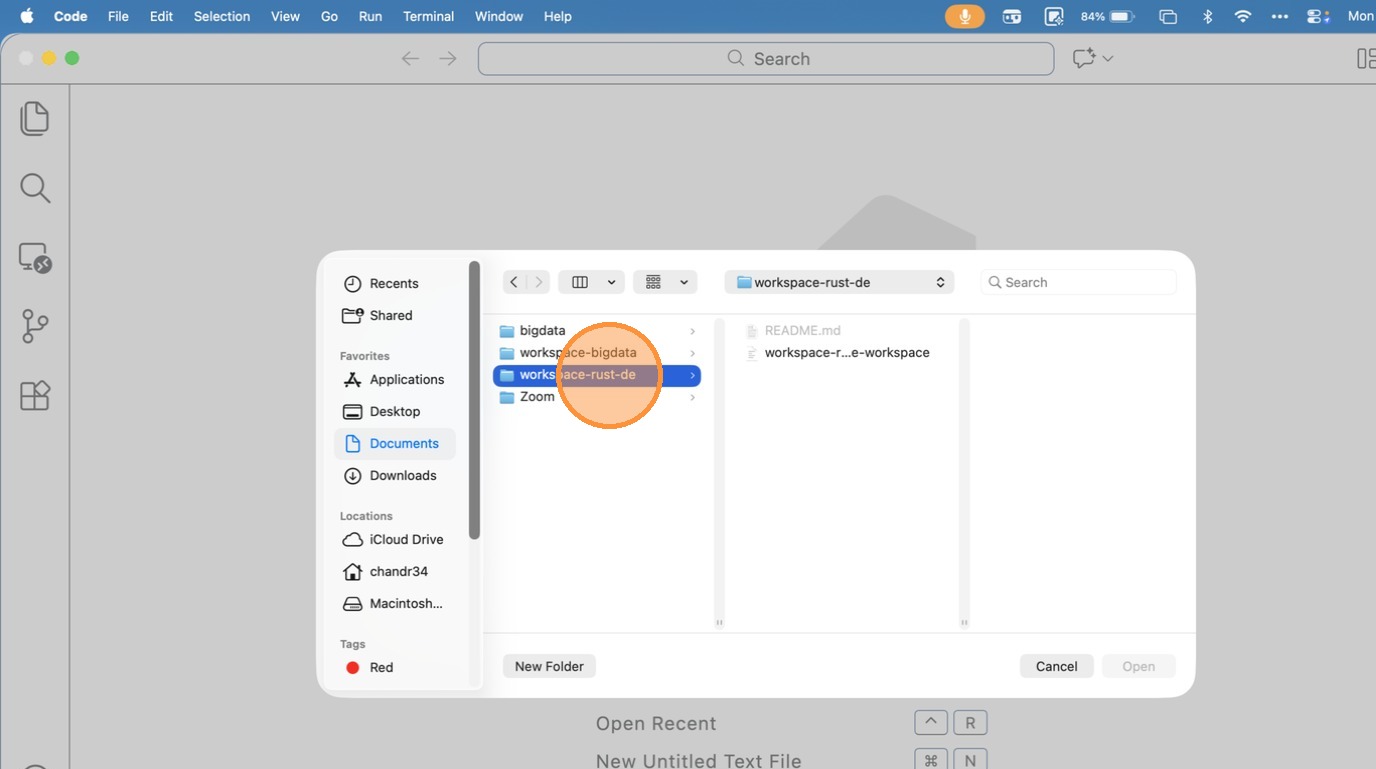
- Click “text field”
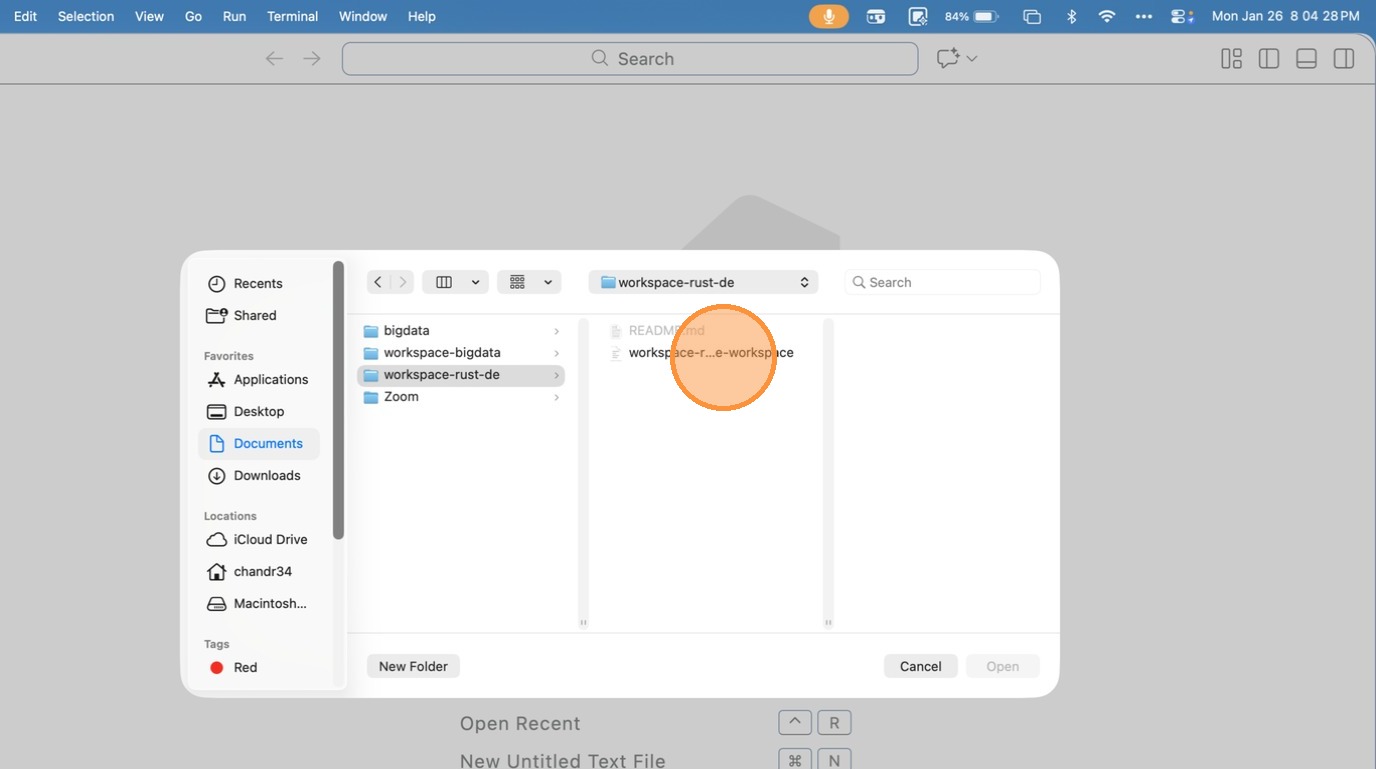
- Click “menu bar”
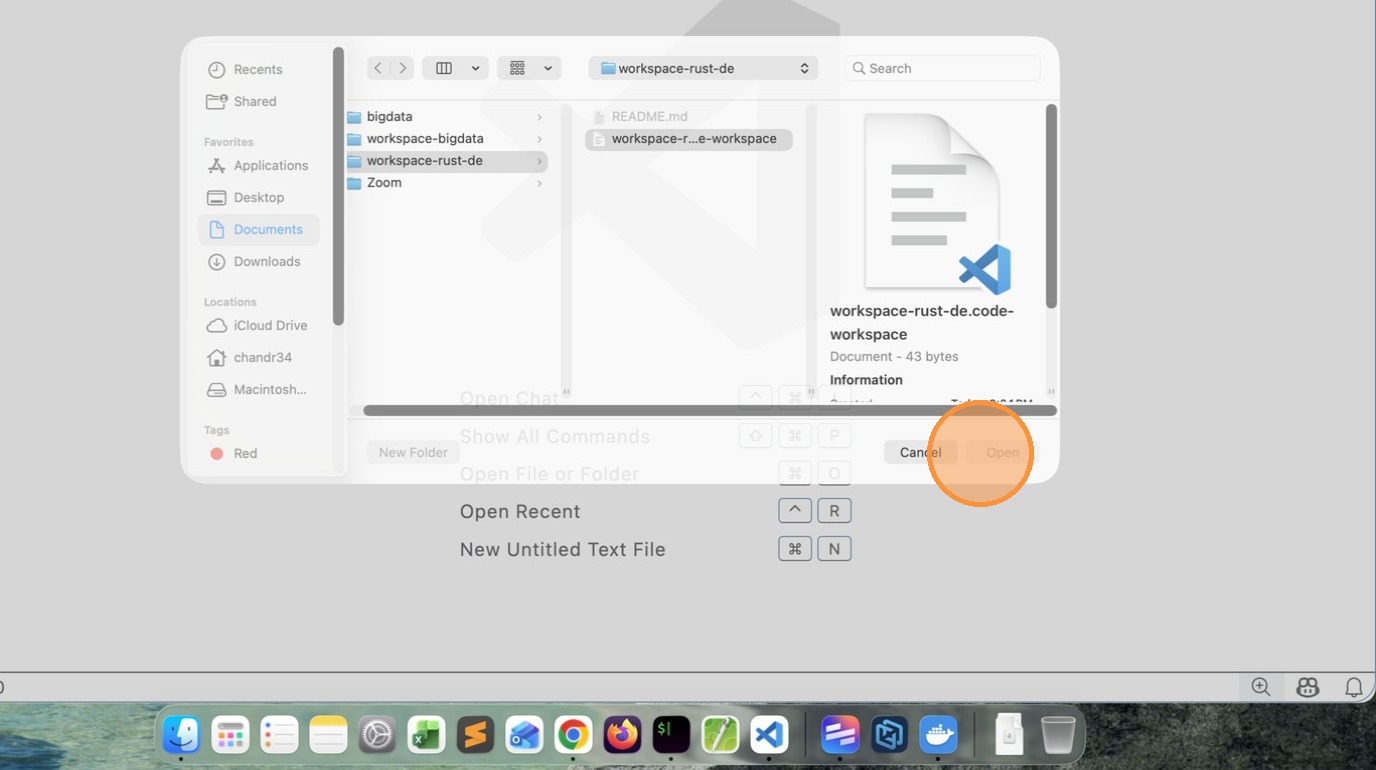
-
Click Reload / Reopen in Container
-
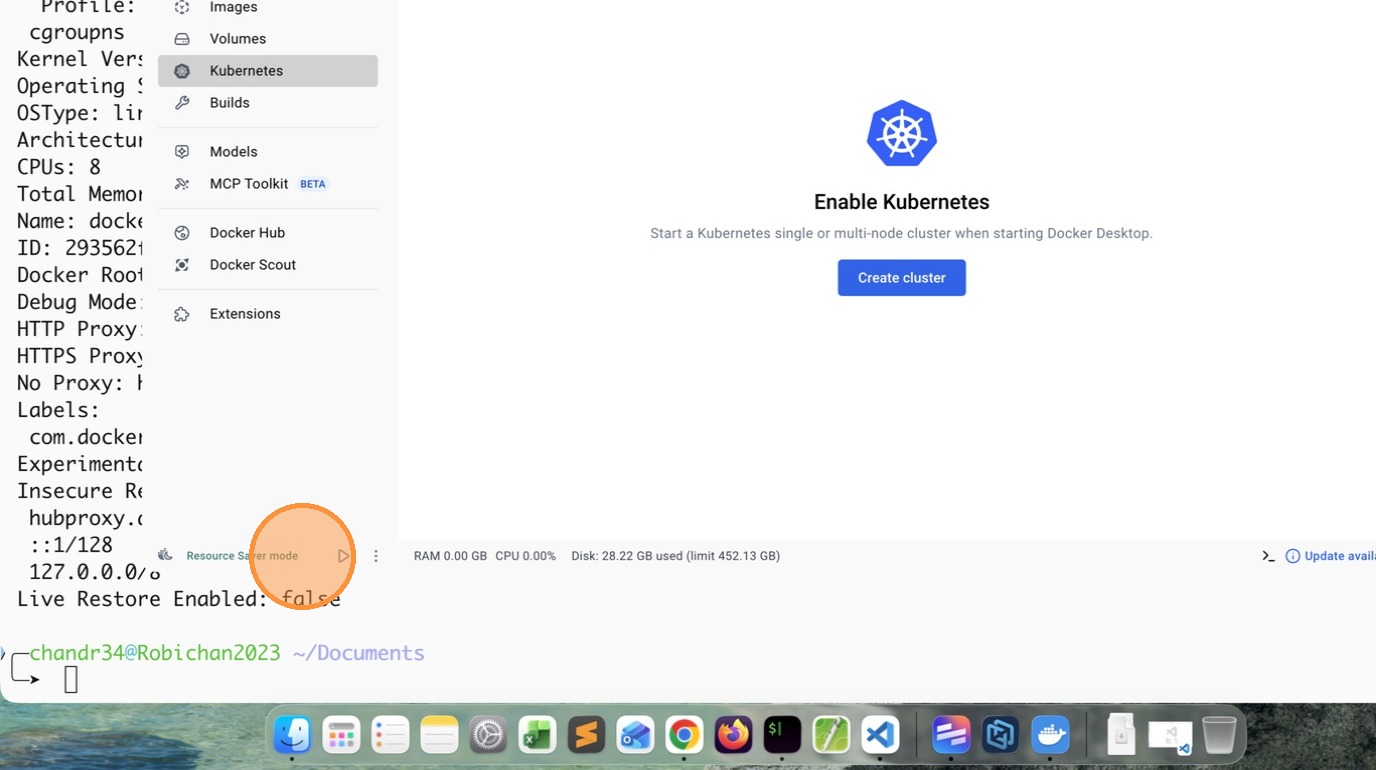
Click “image”
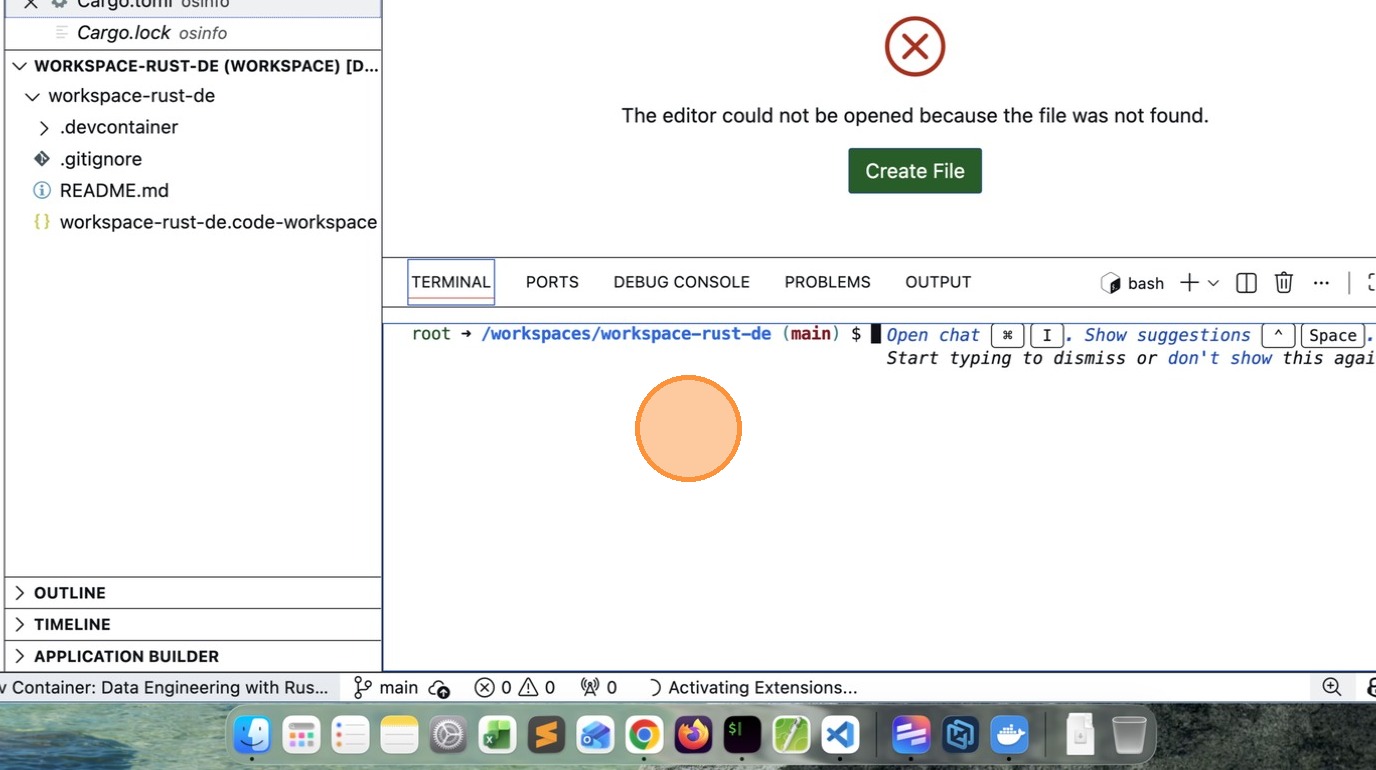
- Press [[Return]]
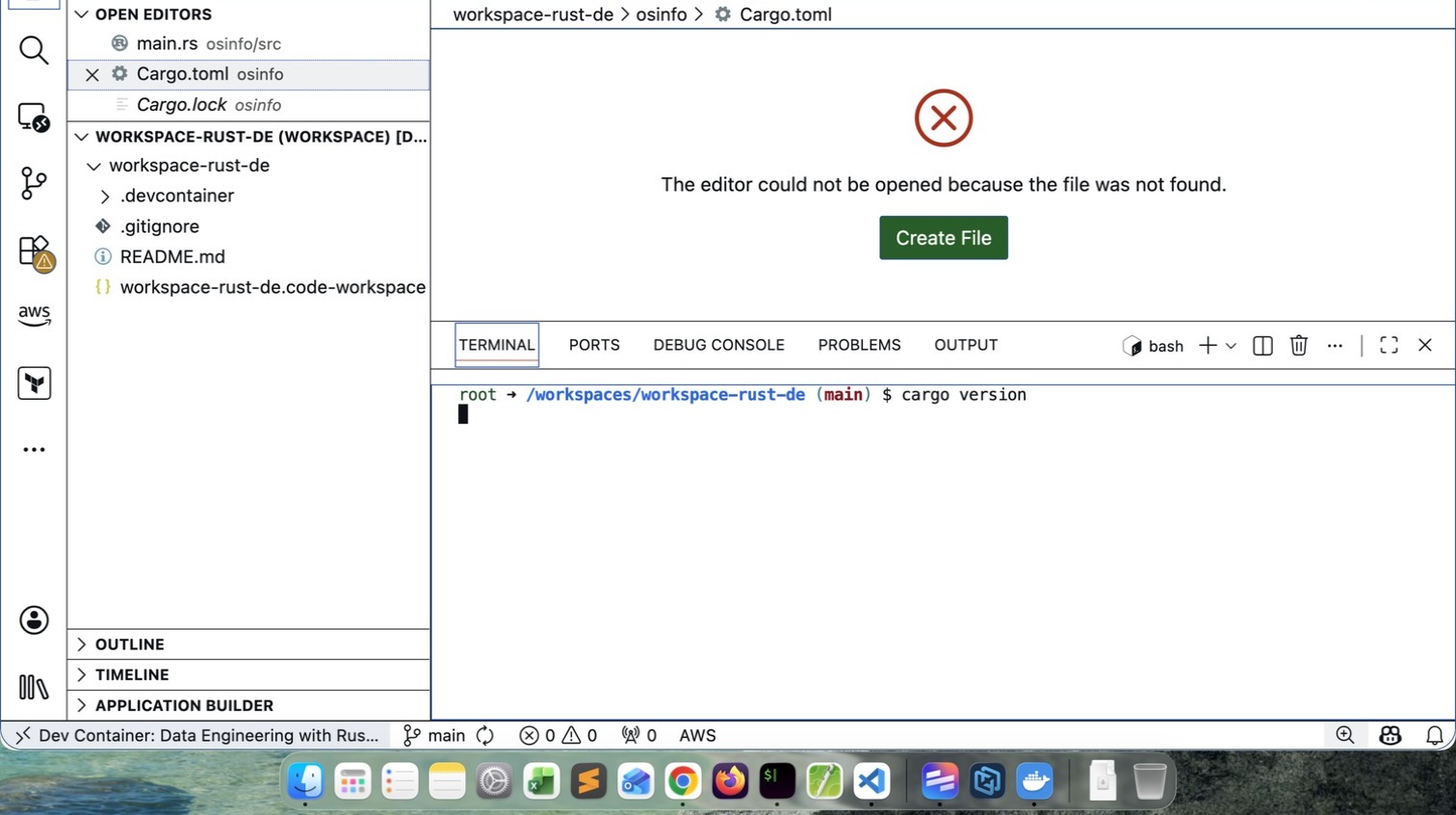
- Click “image”
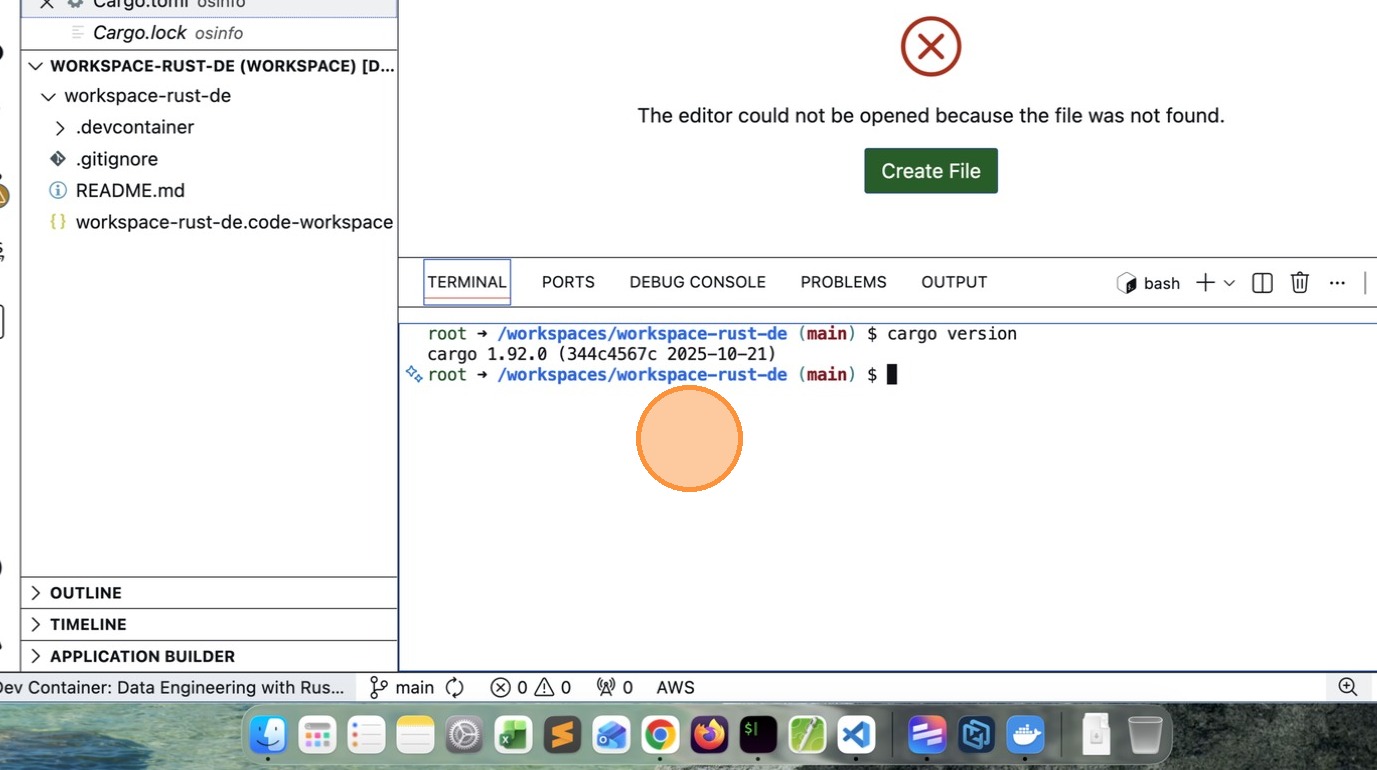
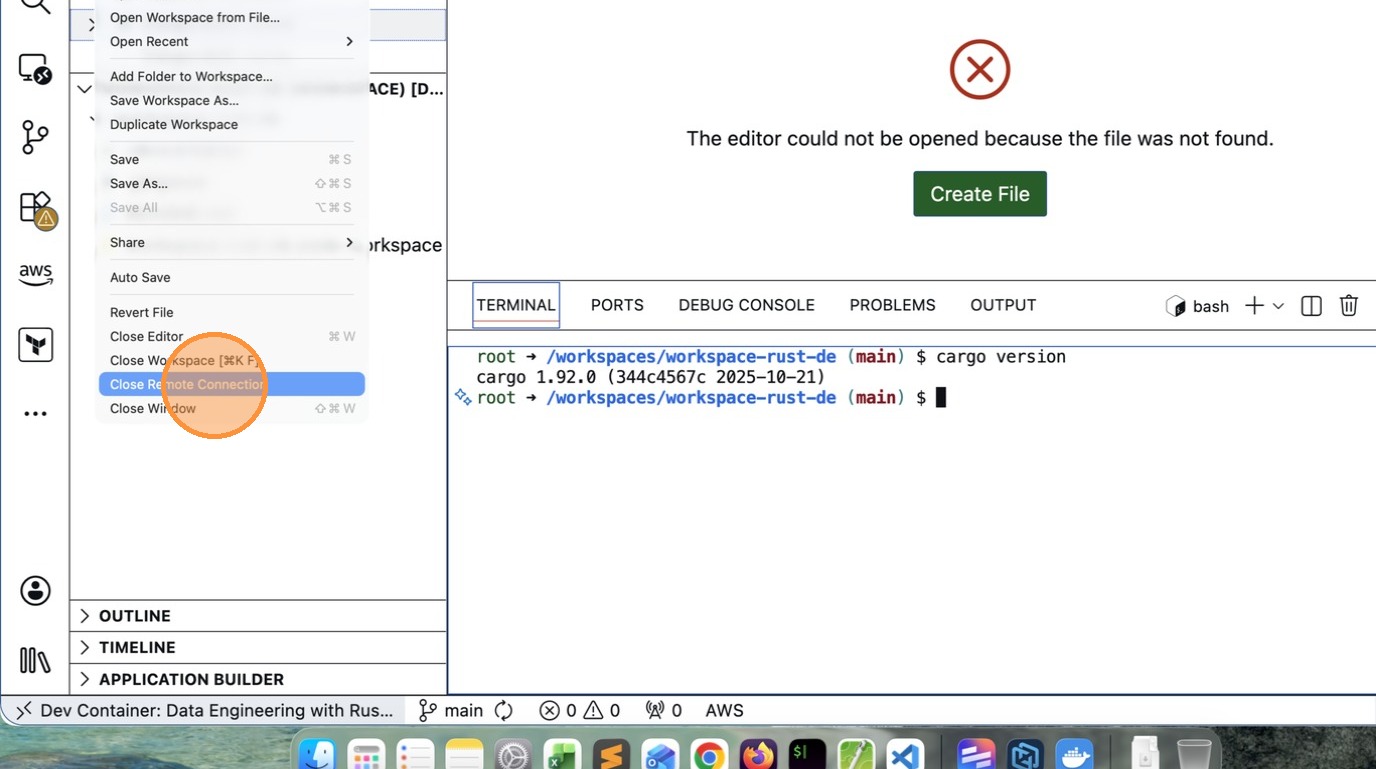
- Click “File”
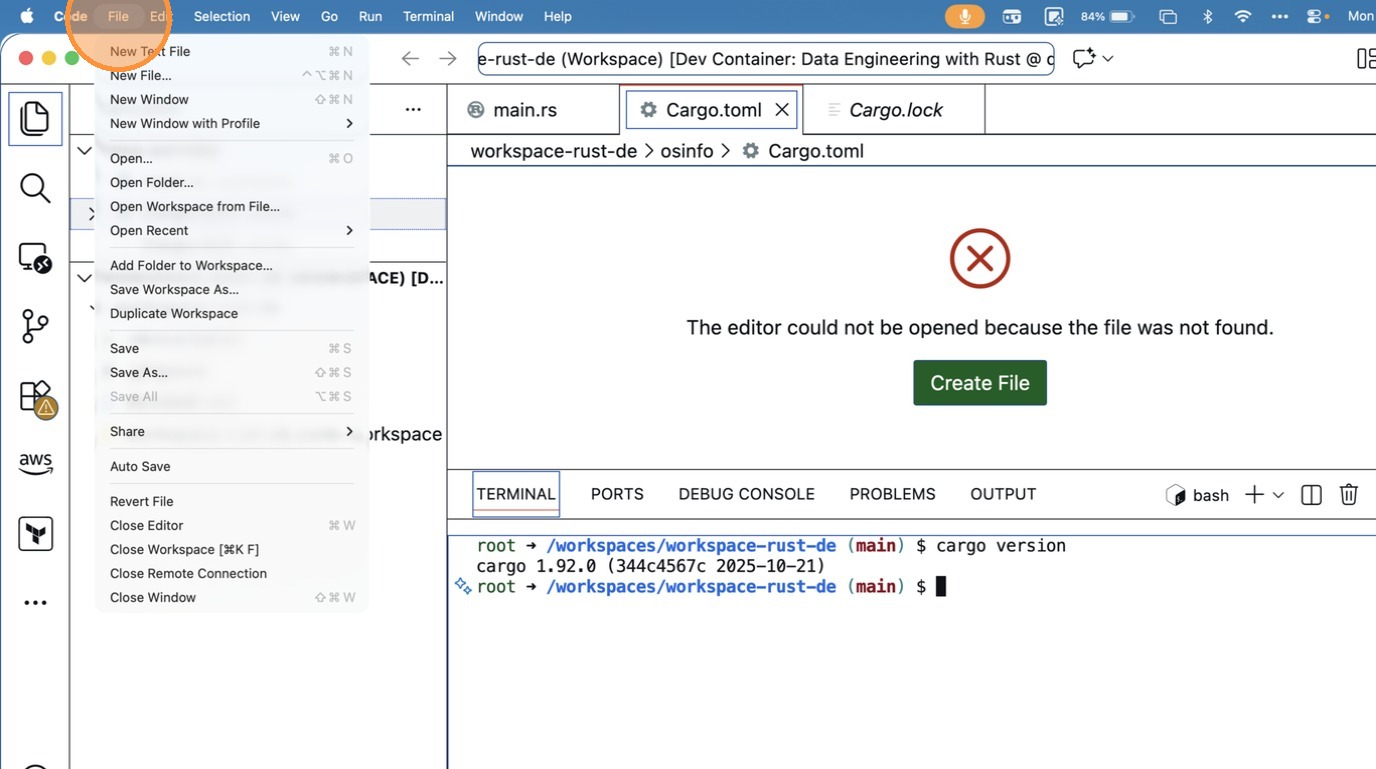
- Click “Close Remote Connection”